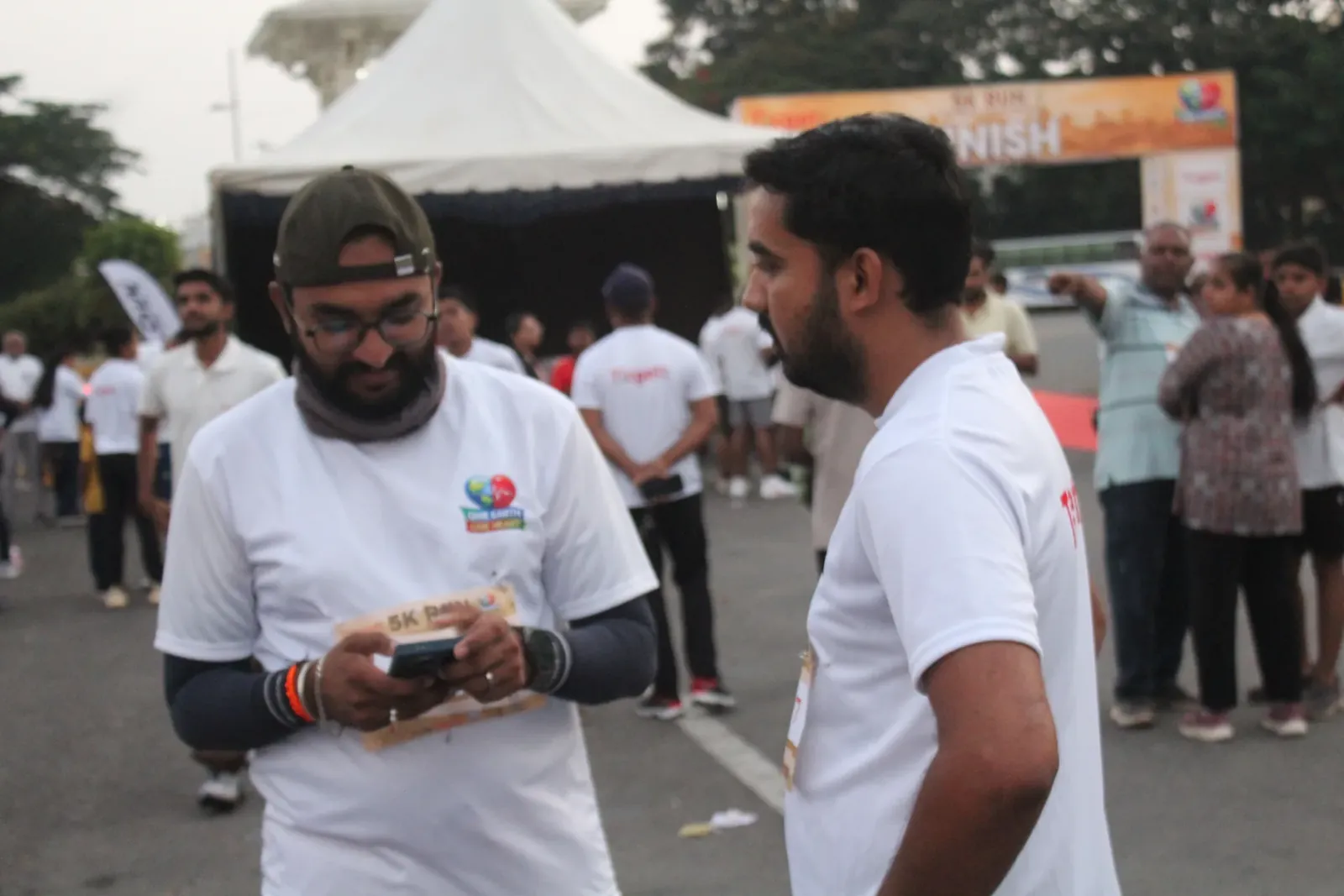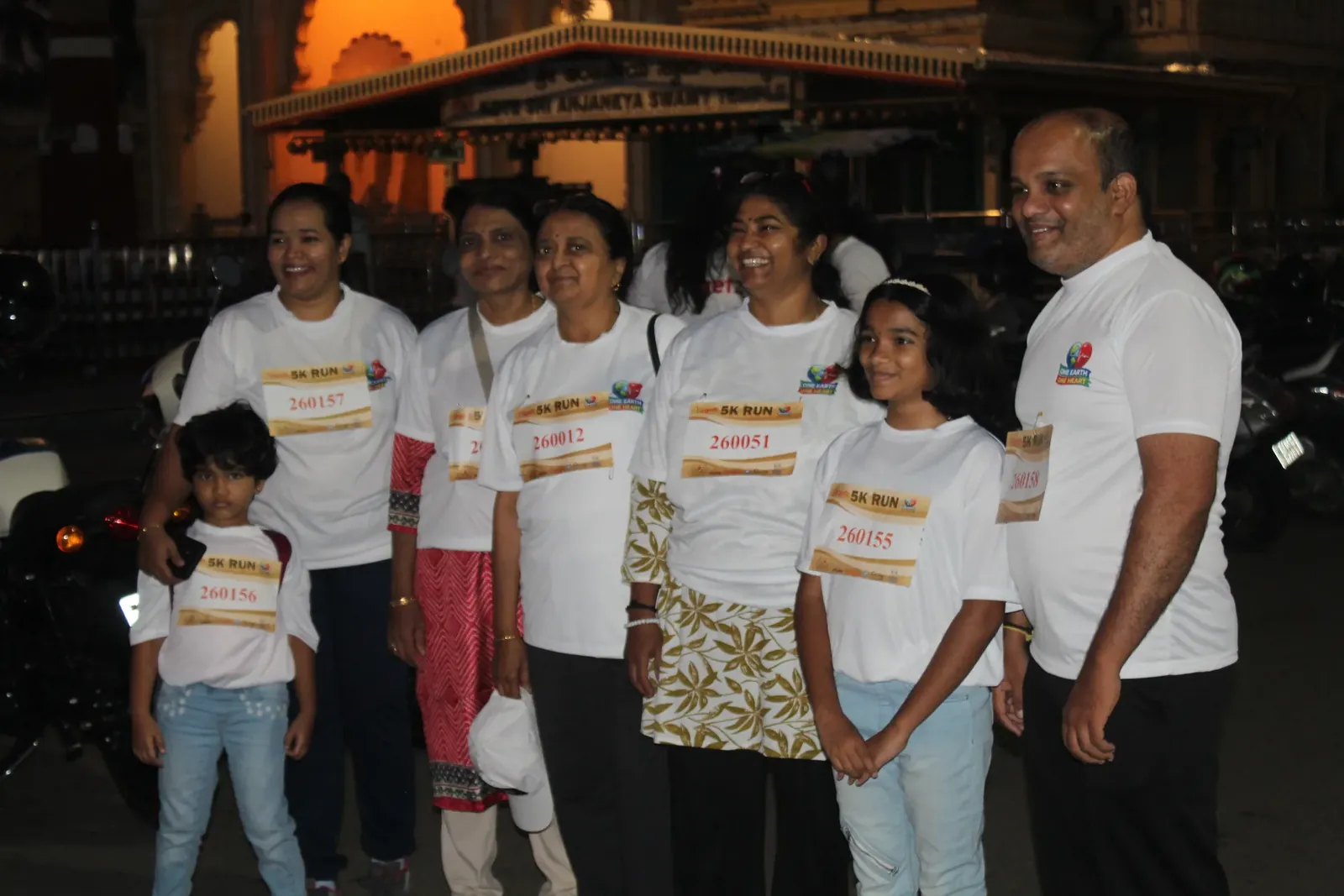
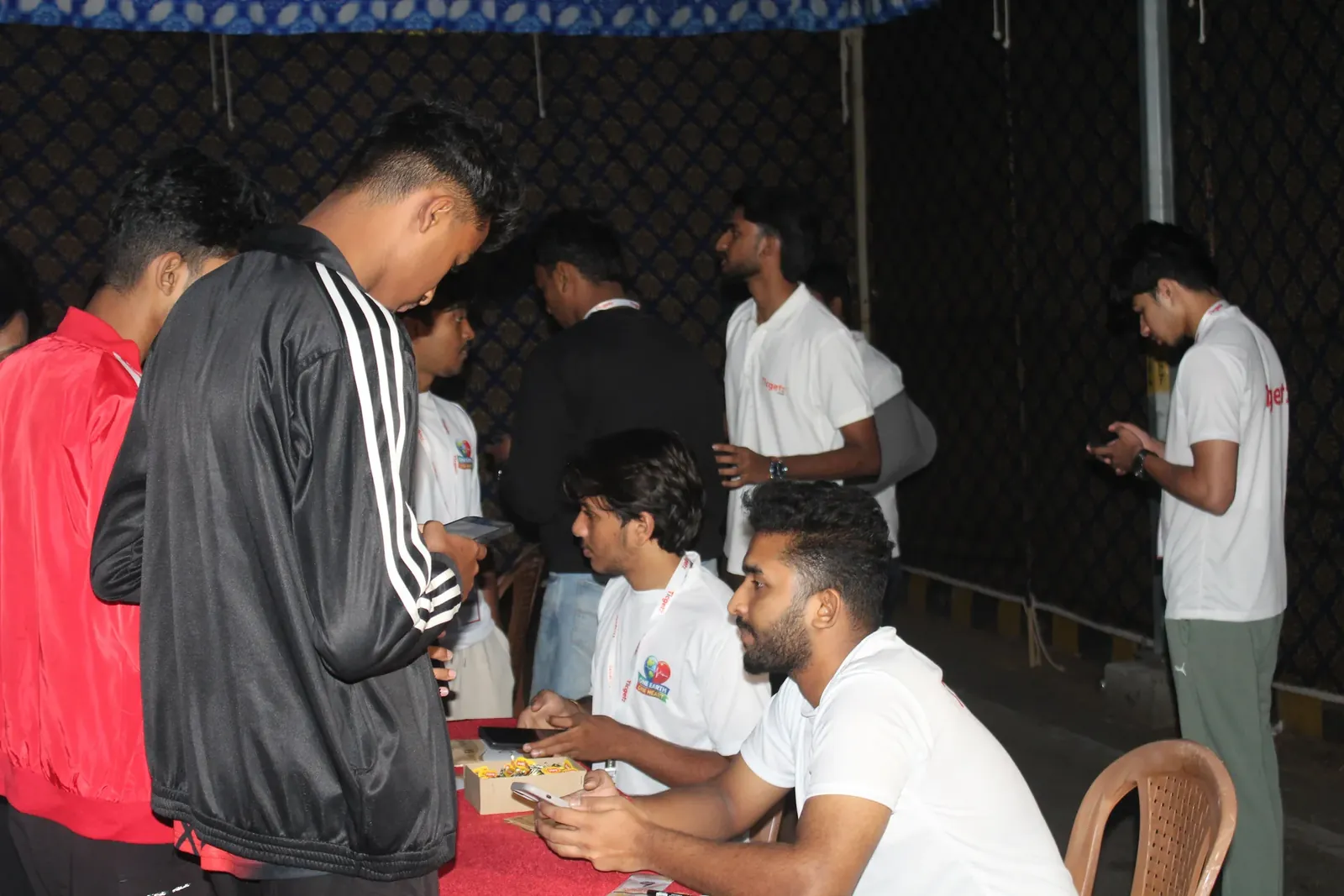
The gate is where an event earns or loses its reputation. Buyers forgive a slow website. They don't forgive standing in a queue while someone scrolls a spreadsheet. Here's how to set up QR check-in that keeps the line moving.
Map your scan points first
A scan point is any place a ticket has to be checked: the main entry, a VIP lounge, a goodie counter, a second-day entry. Name each one for what happens there, so your crew and your counts both make sense.
Use the phones your crew already has
Dedicated scanners are one more thing to charge, carry and lose. A scanner app on your crew's own phones means anyone you trust can open a lane in a minute. Keep one laptop with a USB barcode scanner at a help desk for the tricky cases.
Decide what happens on a repeat scan
A screenshot of a QR code can be shared. What matters is that the second scan of the same ticket is caught immediately, at any lane, and the crew member knows what to say. Agree that line in your crew briefing.
Have a plan for lost tickets
Phones die. People delete messages. Give the help desk a way to find a booking by name, phone number or order ID and check it in by hand, and send the queue there, not to the main lane.
Prepare for the rush
- Open more lanes than you think you need for the first 30 minutes.
- Brief crew on the event's own rules, like age limits, ID and re-entry.
- For early or night events, check the lighting at each lane. A phone torch helps a camera read a code in the dark.
- Between rushes, pause scanning instead of leaving cameras running.
Watch the counts, not the crowd
A per-gate count tells you which lane is slow and how many people are still to arrive, long before the queue does.